Windows Server 2025
Set up for your environment
RDS CALs
Individually scalable
Daily backups
7-day retention
24/7 monitoring
Proactive monitoring
Transparent prices
Packages for every team size
All packages include Windows Server 2025, RDS CALs, daily backups and full managed service. No hidden costs.
Starter
from €139
per month
up to 5 users
- Windows Server 2025
- 2 vCores
- 16GB RAM
- 50GB NVMe SSD
Business
from €360
per month
up to 10 users
- Windows Server 2025
- 8 vCores
- 32GB RAM
- 200GB NVMe SSD
Professional
from €770
per month
up to 20 users
- Windows Server 2025
- 16 vCores
- 64GB RAM
- 500GB NVMe SSD
Enterprise
Upon request
per month
Unlimited users
- Windows Server 2025
- Dedicated cluster
- Individual resources
- Custom SLA
All prices plus VAT · Individual configuration on request · Can be canceled monthly
Frequently asked questions
Your questions. Our answers.
What is a managed terminal server?
A managed terminal server is a central Windows server that your staff access securely over the internet. They work on their familiar Windows desktop – whether they are in the office, at home or on the road.
Unlike an in-house server, we run the whole thing for you: setup, updates, backups, monitoring and maintenance. You get a fully managed Windows workplace from our data center in Frankfurt.
Can I continue to use my existing software?
In most cases, yes. Classic Windows applications such as DATEV, Lexware, Sage, ERP, inventory management or industry-specific software run on a terminal server without changes.
Before the migration we check the compatibility of your applications together and plan the switch individually.
How does the migration to a terminal server work?
We handle the entire setup and stay with you throughout the switch. This includes, among other things:
- setting up the server
- migrating user accounts
- migrating your data
- installing your software
- functional testing
- go-live
That way your day-to-day operations continue with virtually no interruption.
How does working from home work with a terminal server?
With the Parallels RAS option, your employees connect to their personal Windows workplace from home or on the road, without a VPN of their own. Without RAS, access runs over a site-to-site VPN from your office firewall.
All programs and data stay securely in the data center. Every user therefore works in the same familiar environment, regardless of location.
What does a terminal server cost compared to an in-house server?
With a managed terminal server you avoid large investments in server hardware, maintenance and replacement purchases.
Instead you get a predictable fixed monthly price including operation, updates, backups and support. That keeps your IT costs transparent and plannable.
Where is my data stored?
All data is stored exclusively in our ISO 27001-certified Maincubes FRA-01 data center in Frankfurt.
We deliberately host in Germany. As a 100 % German company, we have no foreign shareholders or investors.
How secure is my data?
Your data is protected by several security mechanisms. These include, among others:
- daily backups
- managed firewall
- DDoS protection
- 24/7 monitoring
- regular security updates
- access control in the data center
Security is standard with us and included in every package.
How quickly can I start?
Once you place your order, your terminal server is usually ready to use within 3 to 4 hours.
For more extensive migrations we agree on a suitable schedule together.
Can I add more users later?
Yes. Your terminal server grows with your company.
New users, additional resources or more storage can be added at any time. You only pay for the services you actually need.
Do I get a personal contact if something goes wrong?
Yes. You get a dedicated contact who knows your IT environment and looks after you personally.
Would you rather configure it individually?
If you already know your requirements, you can also configure your terminal server yourself.
Select number of users, vCPU, RAM, storage space and additional options in the configurator. Ideal for everyone who knows exactly what they need and wants a reliable basis for calculation.
The package plans above are a useful starting point. The configurator is the right choice if you already know your resource and add-on requirements in detail.
Included in every package
Everything included. No fine print.
Windows Server 2025 License
Current Microsoft license, configuration and setup by us.
RDS CALs per user
Remote Desktop Services licenses for every user.
Daily backups
Automatic data backup, 7-day retention, longer on request.
Managed Firewall & DDoS
Active protection against attacks and unauthorized access.
24/7 monitoring & alerting
Permanent monitoring of all systems around the clock.
Complete administration
Windows updates, patches and configuration by us.
GDPR hosting Frankfurt
All data in our Maincubes FRA-01 data center.
Remote Desktop access
From your office via a site-to-site VPN on your firewall, from anywhere with Parallels RAS: optional, €10 per user and month.
A named contact
Support by ticket and e-mail, Monday to Friday 08:00–18:00 (German time). We usually start work within four hours.
Are you an IT service provider or a Lexware dealer? Offer the terminal server to your own customers: reseller and partner programme with 15% every month.
Easy to get started
Live in 3 steps
From the initial consultation to the finished cloud workstation – we stay with you through the whole process.
Consultation
We analyze your requirements: number of users, required software and desired resources.
Setup & Migration
We set up your terminal server and migrate existing data and applications – you don’t have to do anything.
Work & grow
Your team logs in. We take care of the rest: updates, backups, scaling at the push of a button.
Location & infrastructure
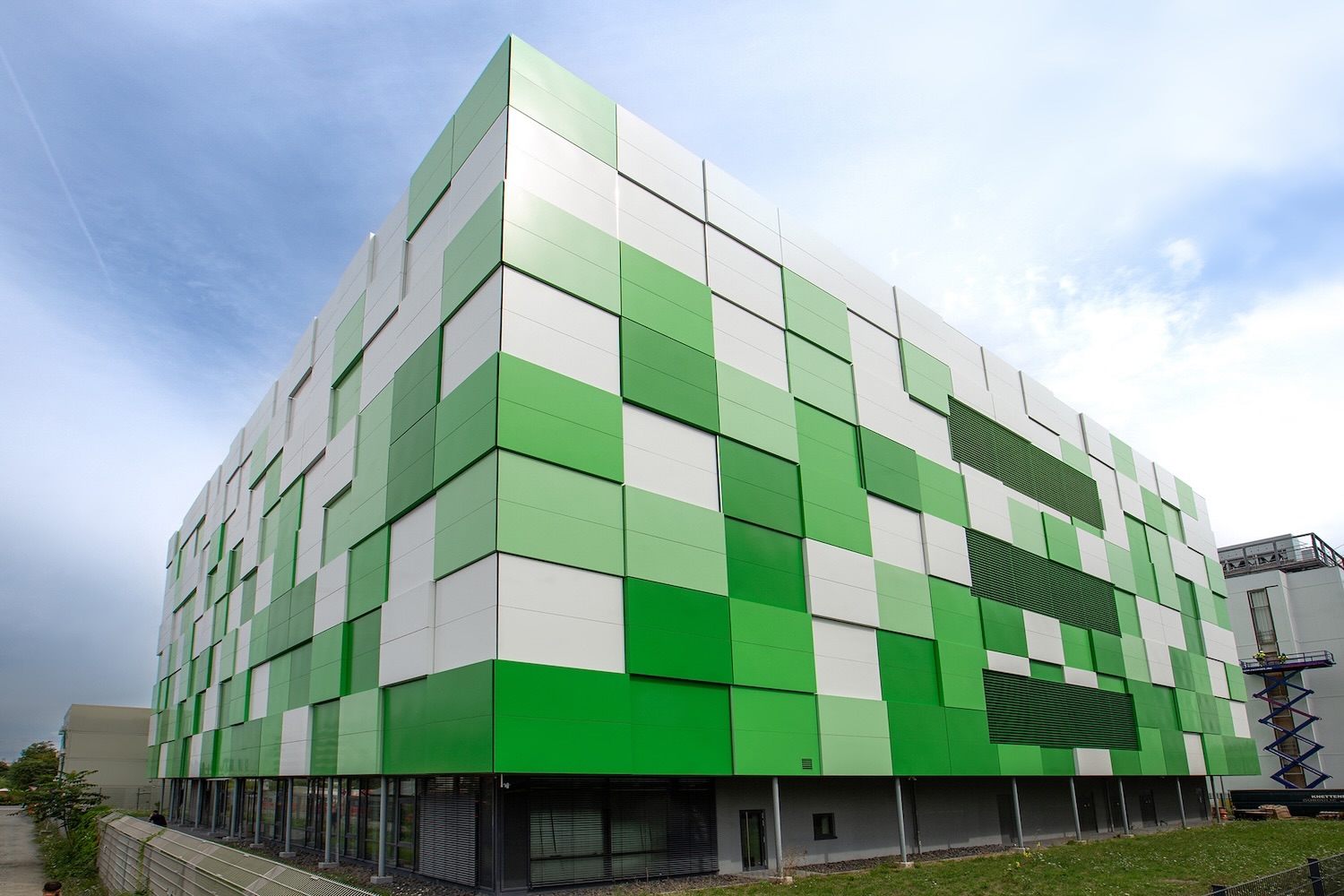
Maincubes FRA-01 –
Your data center in Frankfurt
All servers are located exclusively in Germany. The Maincubes FRA-01 is one of the most secure carrier-neutral data centers in Europe.
Start your IT project with us
Describe your situation to us without obligation. We will get back to you within 24 hours with a concrete suggestion.